This is a SEO version of NDTC_User_Guide. Click here to view full version
« Previous Page Table of Contents Next Page »46

Turning Controls Off
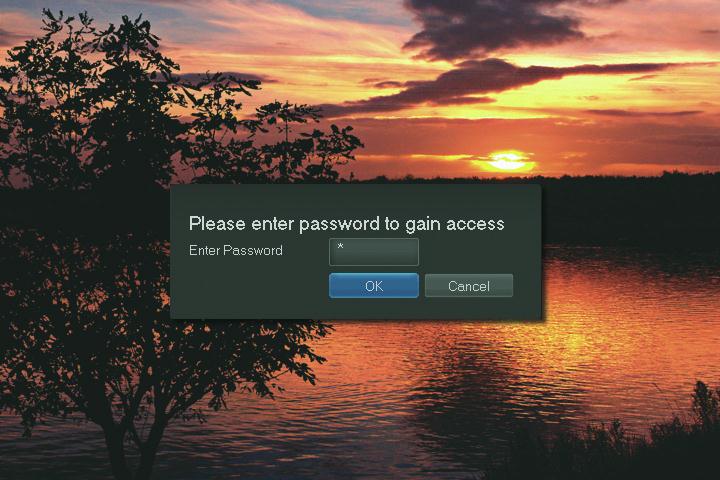
Highlight the Controls On icon and Press OK to bring up the password screen. Use the Number Pad on your remote to enter your parental controls password. Then highlight OK and press OK on your remote.
When you disable the controls, they will remain that way until you turn them back on, or the Parental Control Unlock Timeout is reached. The timeout is the maximum period of time for which the parental controls will be disabled.
At the end of the Parental Control Unlock Timeout, the system will
automatically restore parental controls. You will see an alert on the screen just before parental controls are restored. This Parental Control Unlock Timeout is located in Settings. In Settings click on Users, then Parental Control, then select the option Unlock Timeout, then select the amount of time. This ensures your parental controls will remain in effect in case you watch an adult program and forget to turn the controls back on.

Turning Controls On
Press MENU and highlight Control Off, then press OK. The icon will change to Control On, and the parental controls are now on.
For more information on creating parental controls and parental control settings, see section 12 Settings.
11 Controls
This is a SEO version of NDTC_User_Guide. Click here to view full version
« Previous Page Table of Contents Next Page »