This is a SEO version of NDTC_User_Guide. Click here to view full version
« Previous Page Table of Contents Next Page »42
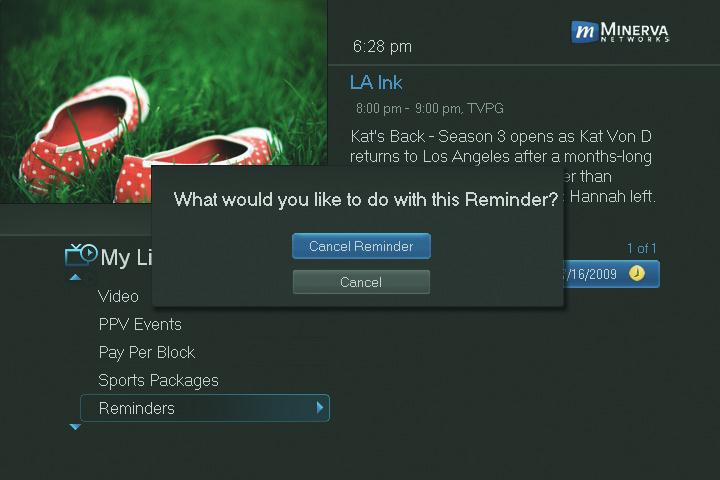
Step 2: Cancel the Autotune or Reminder Highlight Cancel Autotune or Cancel Reminder depending on the type of event you are cancelling and press OK.
Introducing Messages
Messages allows you to view any messages about your service. Messages may inform you of promotional offers, upcoming Video on Demand events, service upgrades or billing alerts.
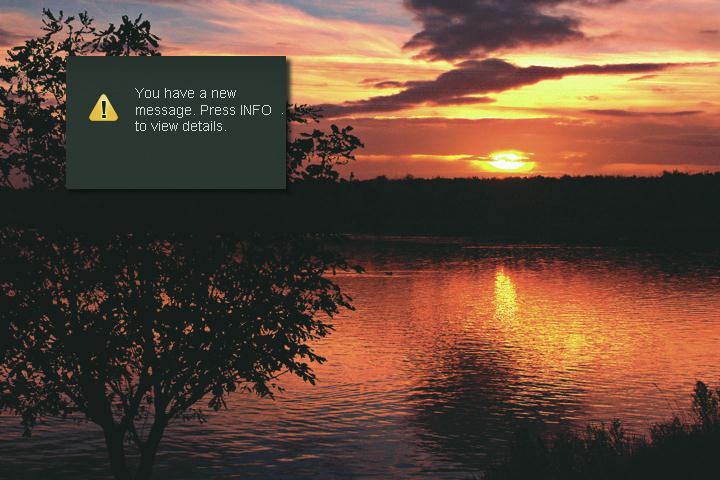
Whenever you receive a new message an alert will appear on your screen. Press INFO on your remote to display the message, or press EXIT to ignore the alert and view the message later.
Go To Messages Highlight Messages and press OK.
A list of all available messages appears to the right.

10 My Library
This is a SEO version of NDTC_User_Guide. Click here to view full version
« Previous Page Table of Contents Next Page »