This is a SEO version of NDTC_User_Guide. Click here to view full version
« Previous Page Table of Contents Next Page »32

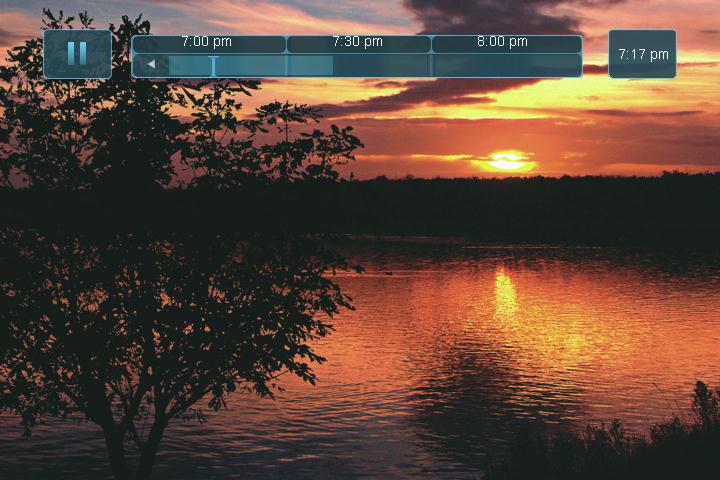
The PLT bar appears whenever you pause, rewind or fast forward live TV.
The center area indicates the amount of TV saved. The “I-bar” shows where you are within that range. The far left box indicates the current playback function. The far right box indicates the current time.
Controlling Recorded or Live TV
While watching a recorded program or live TV, you can use the Playback Control Buttons to pause, rewind, fast forward or stop playback.
Press PAUSE to halt playback at the current point.
Press REWIND or FAST FORWARD to reverse or advance playback from the current point.
Press PLAY to resume watching at normal speed. Press STOP to exit playback of the program.
DVR Playback Controller
Any time you press one of the Playback Control Buttons while watching a previously recorded program, the DVR playback controller is displayed. The box to the left indicates the playback function in use. The bar in the middle gives a visual



9 DVR
This is a SEO version of NDTC_User_Guide. Click here to view full version
« Previous Page Table of Contents Next Page »