This is a SEO version of NDTC_User_Guide. Click here to view full version
« Previous Page Table of Contents Next Page »18
Step 3: Return to Guide
The program listing now shows an icon next to the program’s name.
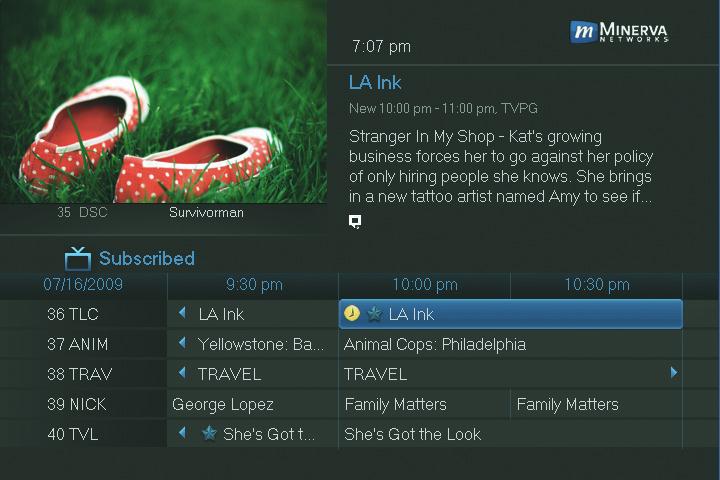

Reminder set

Autotune set

Recording set
Step 4a: Your Reminder
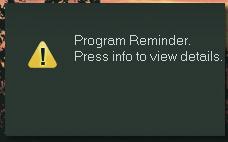
A few minutes before your program comes on, a box will appear on your screen telling you that you have a Reminder.
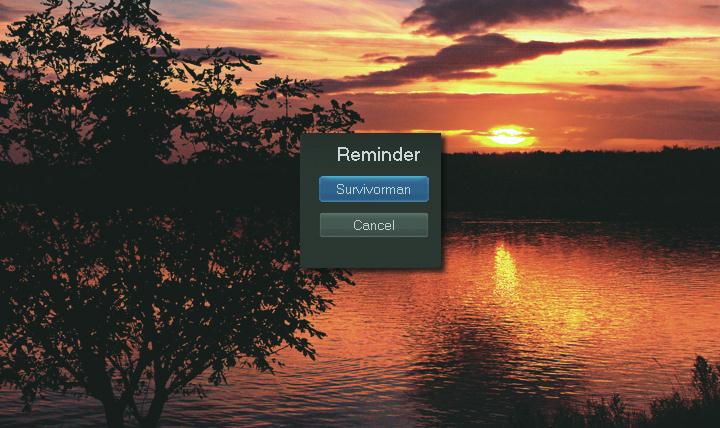
Press INFO to display the Reminder. Highlight the button showing the program name and press OK to watch the program, or highlight Cancel and press OK to ignore the Reminder.
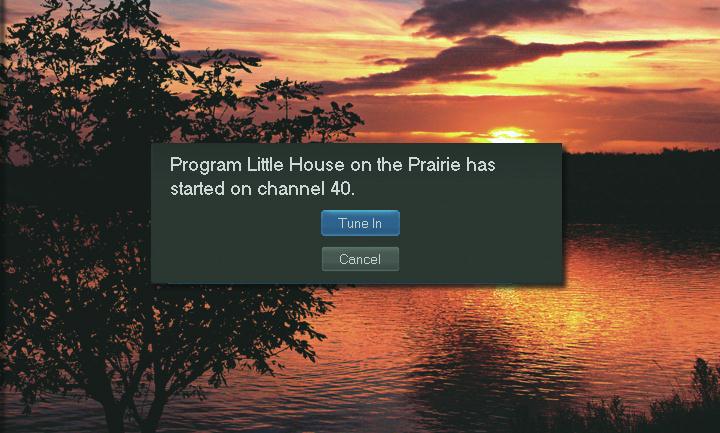
Step 4b: Your Autotune Just before the program begins, a message will display, giving you the option to tune in or cancel.

6 Guide & Recording
This is a SEO version of NDTC_User_Guide. Click here to view full version
« Previous Page Table of Contents Next Page »