This is a SEO version of NDTC_User_Guide. Click here to view full version
« Previous Page Table of Contents Next Page »12
3 Infobar
You can combine steps 2a and 2b to see what comes on later on another channel if you like. However, if you plan to do a lot of browsing for programs on other channels or that are coming on later, it is easier to use Guide. For more information on Guide, see section 5 Guide.
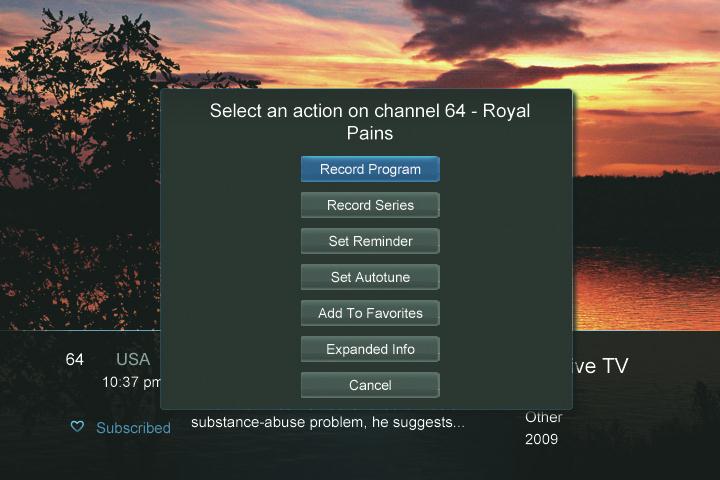
Press OK to display options to set a Reminder, Autotune or Recording (if your set top box supports DVR).
For more information on setting Autotunes, Reminders, and Recordings, see Setting Reminders, Autotunes & Recordings in section 6 Guide & Recording. Note: Recording options will not be available if your set top box doesn’t support those features.
Exiting the Infobar
The Infobar will go away on its own after a few seconds of inactivity, or… Press EXIT on your remote control.
If you are in the detailed Infobar, you can press INFO once more to exit the Infobar.
This is a SEO version of NDTC_User_Guide. Click here to view full version
« Previous Page Table of Contents Next Page »