This is a SEO version of NDTC_User_Guide. Click here to view full version
« Previous Page Table of Contents Next Page »13
4 Menubar
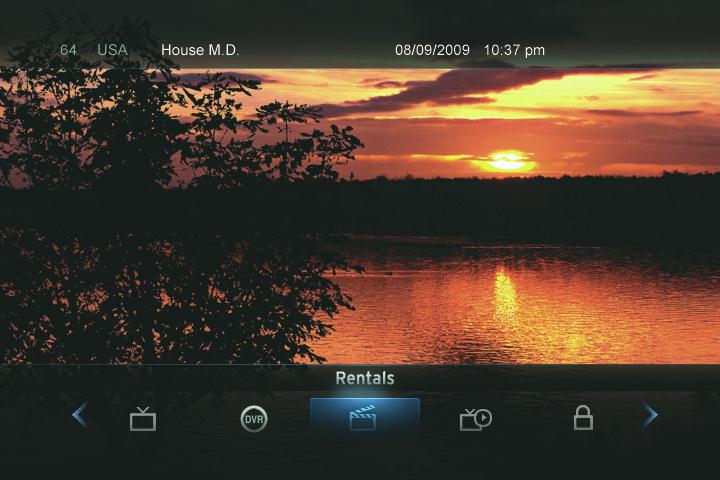
Introducing the Menubar
The Menubar is a quick and easy way to access any feature of your service.
Go To the Menubar
To display the Menubar, press MENU on your remote control.
Understanding the Menubar
Guide will bring up the program guide. For information on Guide, please see section 5 Guide. To record or edit a recording, please see section 6 Guide & Record.
PPV jumps directly to the Pay Per View channels in the program guide. For information on PPV, please see section 7 Pay Per View.
DVR provides access to programs recorded using DVR, as well as reviewing recordings you have scheduled, creating a scheduled recording event, reviewing the history of what you have recorded recently, or deleting your recording history. For information on DVR, see section 9 DVR.
Rentals provides access to rent Video on Demand programs. For information on Rentals, see section 8 Rentals.
Note: Parental Controls must first be set up in Settings before the Parental Controls on/off button will appear on the Menubar.
This is a SEO version of NDTC_User_Guide. Click here to view full version
« Previous Page Table of Contents Next Page »