This is a SEO version of NDTC_User_Guide. Click here to view full version
« Previous Page Table of Contents Next Page »11
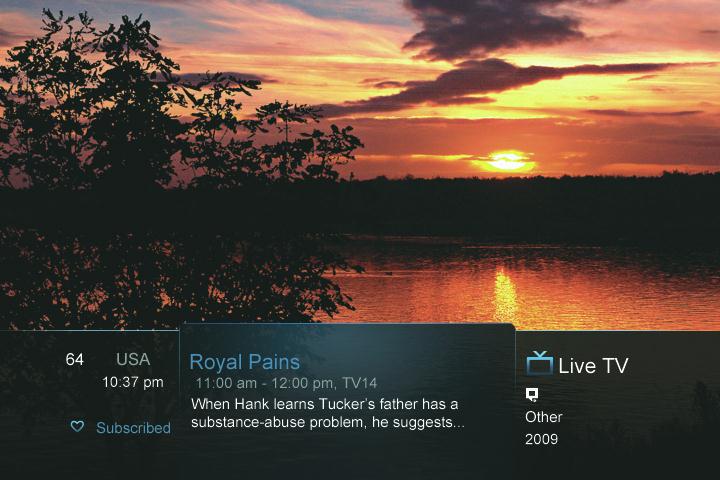
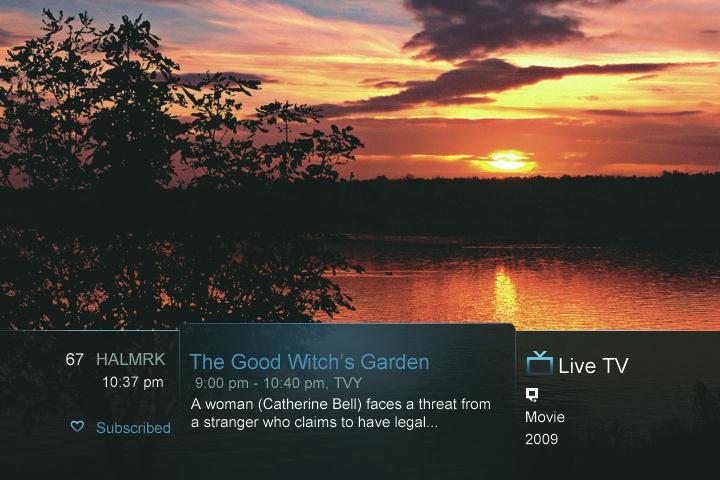
Using the Infobar Step 1: Go To The Infobar
Press INFO, the Up or Down Arrow Keys, or change channels.
Step 2a: See What’s On Other Channels Press the Up or Down Arrow Keys to scroll the Infobar through what is showing on other channels without actually changing channels.
If you fnd something you would rather watch on another channel, press OK to tune to that channel. Step 2b: See What’s On Later
Press the Right Arrow Key to scroll ahead to upcoming programs for the channel listed on the Infobar. Press the Left Arrow Key to scroll back towards the current program for the channel listed on the Infobar.
3 Infobar
This is a SEO version of NDTC_User_Guide. Click here to view full version
« Previous Page Table of Contents Next Page »