This is a SEO version of NDTC_User_Guide. Click here to view full version
« Previous Page Table of Contents Next Page »10
3 Infobar
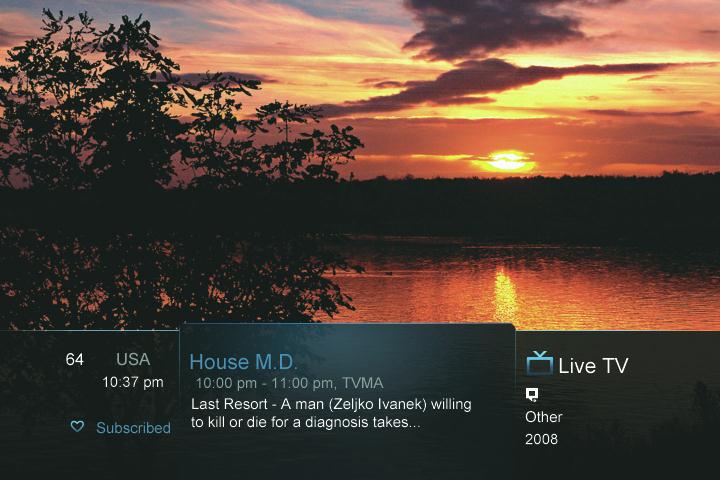
Introducing The Infobar
The Infobar is a quick way of fnding information about the show you are watching, as well as what comes on later and what is on other channels.
Go To The Infobar There are three ways to make the basic Infobar appear. Press INFO on your remote control.
Press the Up or Down Arrow Keys on your remote control. The basic Infobar will also appear any time you change channels.
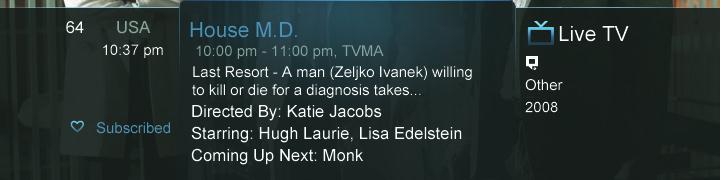
Once the Infobar is active, press INFO again to display the detailed Infobar. It adds information on directors, actors and the name of the next program.
This is a SEO version of NDTC_User_Guide. Click here to view full version
« Previous Page Table of Contents Next Page »