This is a SEO version of NDTC_User_Guide. Click here to view full version
« Previous Page Table of Contents Next Page »60

Note: It is best to enter as little as possible when searching. Usually the first 3 or 4 letters in the name will be enough to find what you want.
Step 2: Search
Highlight Search Guide and press OK to have the system start searching for all programs that match your search criteria.
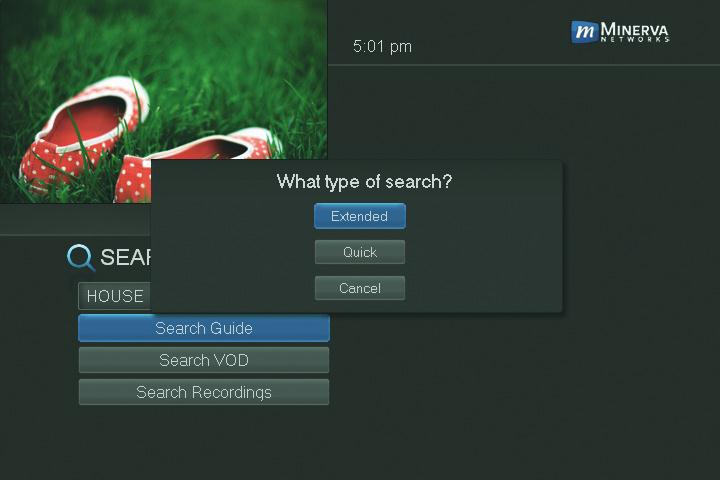
Step 3: Pick A Result
You can now highlight any program or rental listing and press OK to…
Watch or record a program if it’s on now. Set a reminder, auto tune or recording for a program if it comes on later.
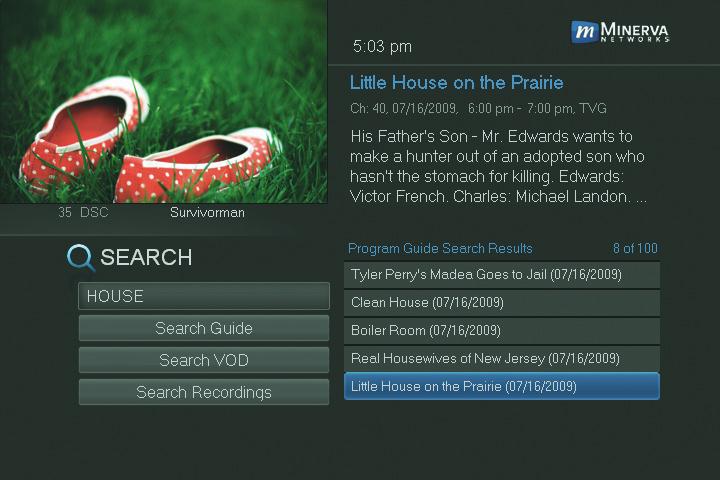
You cannot set a reminder, auto tune or recording for purchased programs.
14 Search
This is a SEO version of NDTC_User_Guide. Click here to view full version
« Previous Page Table of Contents Next Page »