This is a SEO version of NDTC_User_Guide. Click here to view full version
« Previous Page Table of Contents Next Page »40

Watching a Rental Video
Step 1: Pick Your Video Rental Highlight your Video Rental and press OK.
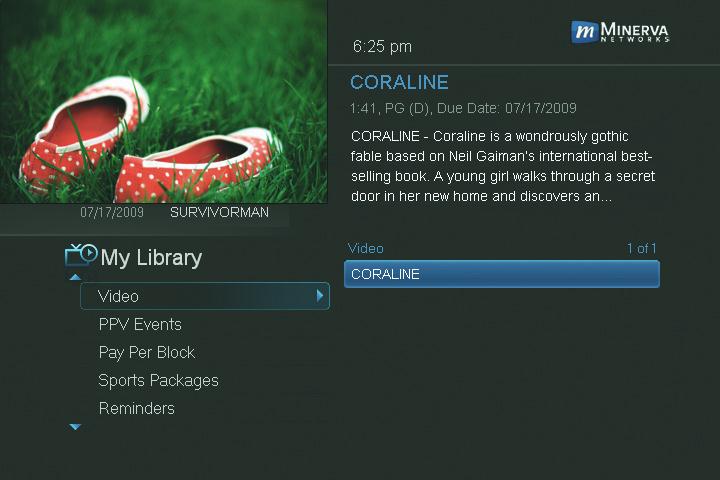

Step 2: Play Your Rental
Highlight Play From Start and press OK to start playing at the beginning. If you have already watched part of the program and want to pick up where you left off, highlight Play From Last and press OK.
10 My Library
This is a SEO version of NDTC_User_Guide. Click here to view full version
« Previous Page Table of Contents Next Page »